
Getting Started
Oscilla is an open-source framework for animated, cue-driven graphic scores that run in the browser. You draw the score in Inkscape, give its elements behaviour — they move, sound, reveal, send OSC — and every performer opens the same score on their own device, kept in time by a small server on your computer.
Start here, in this order:
- What is Oscilla? — what it is for and what you can do with it. Five minutes.
- Install — download the app for your system and open it. Most people need only the first section.
- Your First Score — from a new project to a shape that moves when you press play, and a phone that follows along. Ten minutes.
- Workflow — the full authoring loop: projects, Inkscape, the cue editor, saving, sharing, rehearsing.
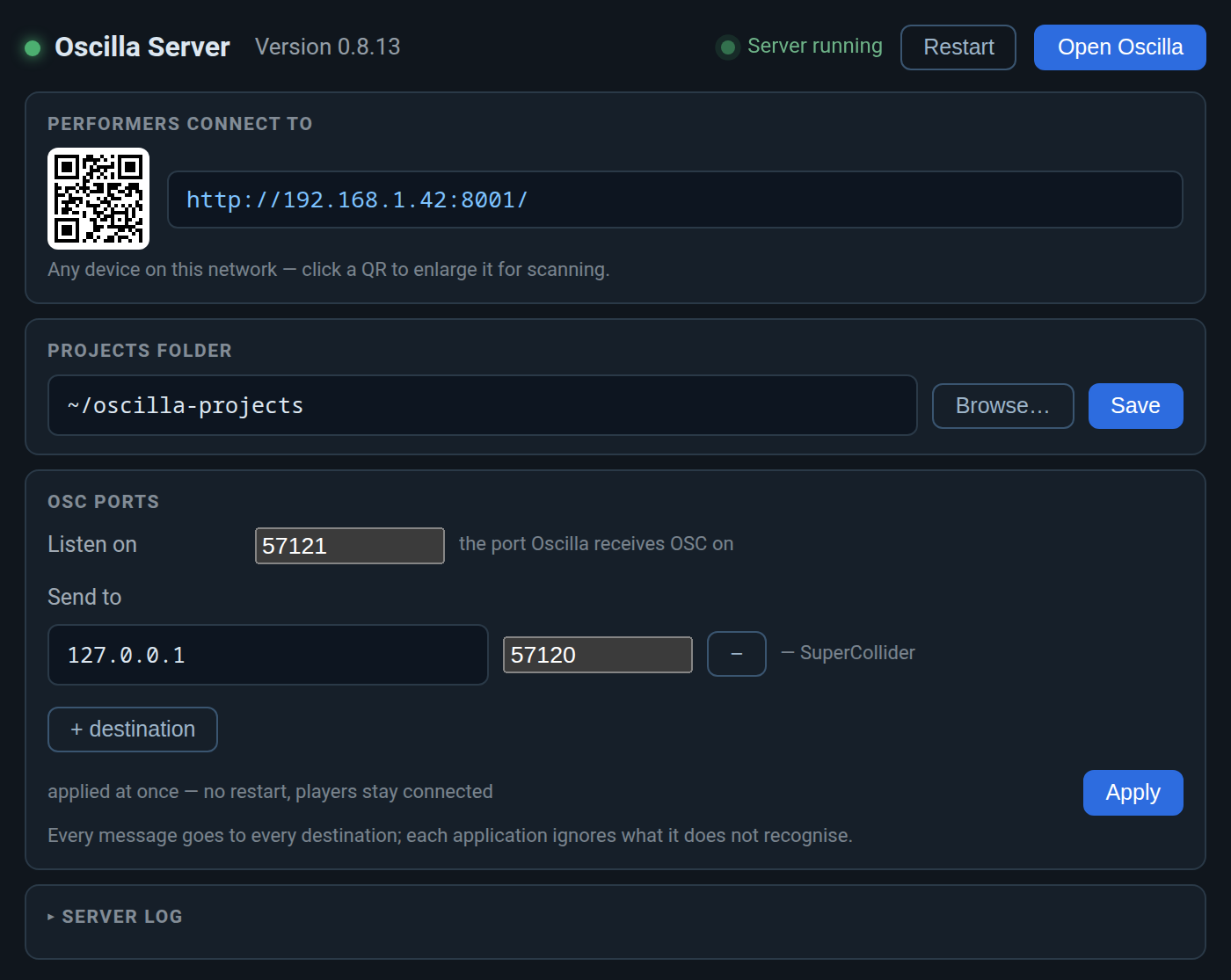
- The Server Console — the window the app opens: where performers connect, your projects folder, OSC ports.
Want to see it before installing? The cue and animation pages each have a picture taken from one of the demo projects that come with Oscilla.
Tip: use ← → or ↑ ↓ to navigate the docs