
rotate() --- Rotation Cue
rotate(...) rotates an SVG element using either:
- continuous rotation, or
- a sequence / pattern of angle values
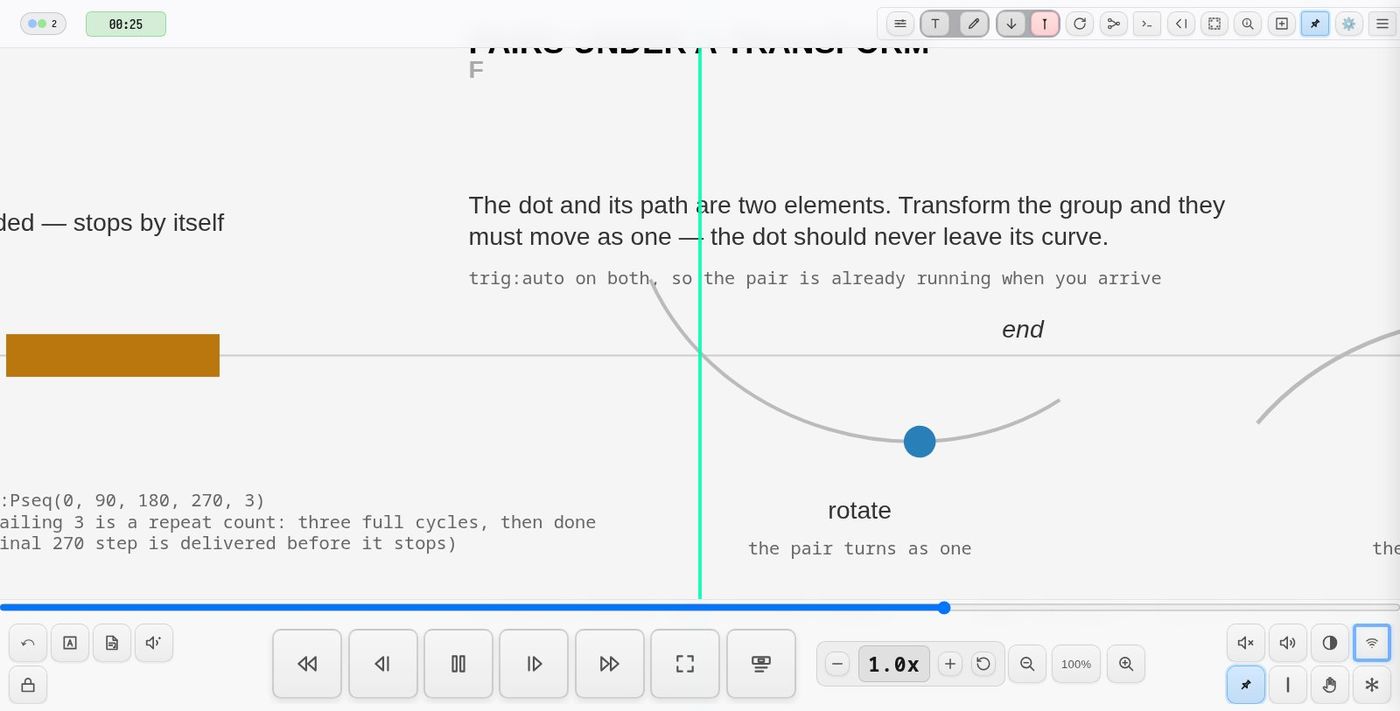
Rotation can be:
- smooth interpolated
- stepped
- looping, alternating, or one‑shot
- optionally sending OSC messages (with live overlays).
BASIC FORMS
To an angle, and stay
rotate(45)            at once
rotate(135, dur:2)    turning there over 2 beats, from where it is
rotate(-90)           the same as 270
From the live console: sq > rotate(45).
Continuous
rotate(dir:1, dur:1)
Sequence
rotate(values:[0,120,240], dur:2)
Pattern sequences
rotate(values:Pseq([0,45,10],inf), dur:Pseq([1,0.2,2],inf))
⚡ TRIGGERING
auto(page load / mode)edge(playhead collision)- cue activation
⏱ TRIGGER DELAY --- tdelay:<beats>
Delays motion after trigger:
rotate(values:[0,120,240], tdelay:2)
INITIAL VISIBILITY --- init:
Controls appearance before rotation begins.
| Value | Effect |
|---|---|
show |
Visible immediately (default) |
hide |
Hidden until triggered |
ghost |
Semi-transparent (30% opacity), no interaction |
fadein(beats) |
Fade in over that many beats |
armed |
Ghost opacity (0.7), click to start animation |
armed(opacity) |
Custom ghost opacity, click to start |
armed(opacity, fade) |
Custom opacity and fade duration, click to start |
The element adopts the initial rotation angle immediately, then waits.
rotate(values:[0,90,180], tdelay:4, init:ghost) rotate(dir:1, dur:10, init:fadein(1), trig:playhead) rotate(dir:-1, dur:85, init:armed)
🎚 SEQUENCE PARAMETERS
Key Meaning
values list of angles or pattern
dur beats per step (or pattern)
mode loop, once, alternate
interp smooth or step
hold pause after tween (smooth only)
CONTINUOUS ROTATION
rotate(dir:1, dur:2) rotate(dir:-1, dur:3, ease:"easeInOutSine")
dir:1→ clockwisedir:-1→ counter‑clockwiseloop:0(default) = infinite
FOLLOWING --- rotate(follow(...))
The angle can follow a signal, as a scale's size can: the first value (or
values:) is the angle, so a follow() there points the object wherever the
signal is.
bass > rotate(follow(bass.t, 0, 360)) each note points it: low to high, once round bass > rotate(follow(bass.t, 0, 360), glide:0.3) swinging there over 0.3 beats, not jumping dial > rotate(follow(fader.t, -135, 135)) a knob's pointer
Each new value sets the angle at once; glide: (beats) eases to it.
axis:, pivot: and back: work as for any turn, and it publishes its angle.
To make the speed follow instead, bind dur: -- rotate(dur:follow(bass.t, 8, 0.3)): 8 beats a turn at one end, 0.3 at the other.
AXIS --- axis:x | y | z
What the turn is about. z (the default) turns the object in the page, as
on a clock face. y turns it front to back about the vertical, like a card
flipping; x turns it top over bottom about the horizontal.
rotate(dur:3, axis:y) a card turning, again and again rotate(values:[0, 180], dur:1, axis:y) flipped once, to its back rotate(dur:4, axis:x, back:hide) tumbling, seen only from the front
The score is flat (SVG), so the turn has no perspective: the object narrows
to its edge, then widens again, mirrored -- the near side never looks bigger
than the far one. Everything else is as for any turn: dur, dir, ease,
loop, patterns, pivot (the line it turns about passes through it),
follow(), sync, OSC.
A pattern draws a new axis as it goes -- at each step of a sequence, each value a following rotate takes, each turn of a spin:
bass > rotate(follow(bass.t, 0, 360), axis:Pchoose(x, y, z)) a new axis every note rotate(dur:2, axis:Pseq(x, y)) x one turn, y the next
An SVG drawing has no back: from behind, the object is its front, mirrored.
back:hide hides it while it faces away (an angle between 90° and 270°),
as a card shows nothing while its back is to you.
PIVOT --- pivot:[x, y]
An element turns about the centre of its bounding box. pivot:[x, y] turns it
about a named point instead, in the element's own units. The point needs no
measuring, so it holds while the element is hidden, and it can lie outside the
element.
rotate(dir:1, dur:8, pivot:[39.8, 246.3], trig:auto)
scale() takes the same parameter, so an object can grow away from the point
it turns about rather than from its own middle.
The older data-pivot="x,y" attribute still works and means the same thing.
Where both are present the cue wins, so a pivot can be changed in the DSL
editor without hunting through the SVG for one set long ago.
An element turning about a distant point sweeps a wide circle, and the
offscreen observer can decide it has left the view and stop it. Add
observer:0 when the pivot is far from the element.
A label inside a turning sky, turned back at the same speed about its star, keeps upright and travels with the star:
<g data-pivot="39.8,246.3"
   data-oscilla="rotate(dir:1, dur:follow(speedFader.t, 120, 1000, 670), bipolar:1, trig:auto, observer:0, sync:0, uid:label-a)">
  <text …>label</text>
</g>
OFFSCREEN PAUSING --- observer:0
Animations pause automatically when their element scrolls offscreen (saving CPU/GPU) and resume when it returns. This applies to all animation cues (rotate, scale, fade, color, o2p).
Some animations must keep running offscreen — typically ones whose steps drive audio or OSC. Opt out with:
rotate(values:Pseq(0, 90, inf), dur:0.5, osc:2, observer:0)
Exempt automatically (no observer:0 needed):
- animations sending OSC (
osc:1/osc:2) - animations with active signal subscribers (modulating other cues)
- o2p in touch mode; page-overlay animations
UID --- Live Updates
UID lets multiple cues address the same animation:
rotate(values:[0,90,180], uid:r1) rotate(uid:r1, dur:0.5)
OFF --- off:1
Stops the turning where it has got to and leaves the element at that angle:
organ > rotate(off:1)
Run the rotate again to start it from there. In the
live console Ctrl+Shift+. on the line does this.
OSC OUTPUT (optional)
Rotation can send OSC every frame or per‑step.
Enable via:
osc:1
Specify an OSC address:
rotate(values:[0,90,180], osc:1, oscaddr:"/spatialisation/source1")
Signals for follow()
A rotation publishes, under its uid (the element's id when no uid: is given):
| channel | value |
|---|---|
angle |
degrees, 0--360 |
norm |
0--1 around the turn |
sin, cos |
0--1, smooth: once up and down per turn |
vel, tvel |
speed, in degrees and turns per second |
norm is a sawtooth: a spin goes from 1 straight back to 0 each turn. To drive something that should swing rather than jump, such as a pan, follow sin or cos:
shape(uid:sh1, sides:3) rotate(dur:4, loop:0) synth(uid:s2, freq:220, pan:follow(sh1.sin, -1, 1))
Payload format
Every message includes:
Field Meaning
deg wrapped degrees 0--360
rad radians (deg * π/180)
norm normalized 0--1 (deg/360)
uid animation UID
timestamp ms since epoch
Example conceptual payload:
{
  "type": "osc_rotate",
  "uid": "r1",
  "deg": 135.0,
  "rad": 2.356,
  "norm": 0.375,
  "addr": "/spatialisation/source1"
}
NOTE: Internally angles may accumulate, but outgoing OSC always wraps to 0--360.
On‑screen overlays
When OSC is enabled, a small overlay shows:
/spatialisation/source1 — deg:135.0
Overlays can be globally toggled.
NETWORK SYNCHRONIZATION
By default, rotation animations are synchronized across all connected clients. The first client to start an animation becomes the leader and broadcasts positions every 10 seconds. Late-joining clients sync to the leader's position.
sync: — Enable/Disable Sync
| Value | Effect |
|---|---|
sync:1 |
Enable network sync (default) |
sync:0 |
Disable sync — animation runs independently per client |
Use sync:0 for animations that should vary between performers:
rotate(values:[0,90,180], dur:2, sync:0)
TOGGLE STATES (Interactive Claiming)
Toggle states provide an interactive claiming mechanism independent of OSC output. Performers can double-click to cycle through named states, with visual feedback and optional callbacks.
Basic Syntax
rotate(dir:1, dur:10, toggleStates:[idle, claimed])
Parameters
| Key | Description |
|---|---|
toggleStates |
Array of state names to cycle through on double-click |
toggleColors |
Optional array of colors per state. Use #client for claiming client's color |
onToggle |
Cue expression to execute when state changes |
Toggle Colors
Define colors for each state:
rotate(dir:1, dur:10,
       toggleStates:[idle, claimed],
       toggleColors:[default, #client])
| Color Value | Effect |
|---|---|
default |
Use the default overlay color |
#client |
Use the claiming client's assigned color |
#ff0000 |
Any hex color |
onToggle Callback
Execute a cue expression when the state changes. Supports variable substitution:
| Variable | Value |
|---|---|
$uid |
Animation UID |
$state |
New state index (0-based) |
$stateName |
New state name |
$clientIndex |
Client's 1-based index in playbackClientNames preference |
rotate(dir:1, dur:10, uid:myRotation,
       toggleStates:[idle, claimed],
       toggleColors:[default, #client],
       onToggle:"osc(addr:/polygon/claim, uid:$uid, state:$state, client:$clientIndex)")
State Persistence
Toggle states are:
- Persisted to localStorage per client
- Synced across all connected clients via WebSocket
- Restored on page reload
Independence from OSC
Toggle states are independent from osc:1. You can have:
osc:1without toggle states — continuous OSC output, no claiming UI- Toggle states without
osc:1— claiming UI, no continuous OSC - Both — claiming UI with state-change OSC plus continuous rotation OSC
// Continuous rotation OSC + claiming system
rotate(dir:1, dur:10, uid:src1, osc:1, oscaddr:"/spat/src1",
       toggleStates:[idle, claimed],
       onToggle:"osc(addr:/claim, uid:$uid, state:$state, client:$clientIndex)")
SIGNAL-BOUND PARAMETERS
Animation speed and duration can be controlled in real-time by binding to fader signals from the control plane.
Signal Reference Syntax
rotate(dur: follow(fader.t, 120, 1), dir:1, uid:spinner)
The signal reference format is:
follow(source.channel, min, max[, default][, curve])
| Component | Description |
|---|---|
source |
UID of the controlling fader/o2p |
channel |
Signal channel (t, x, y, angle) |
min-max |
Output range (maps 0-1 input to this range) |
default |
Optional starting value |
curve |
Optional curve: lin, exp2, exp3, log, sqrt |
Examples
// Duration controlled by fader: 120 beats (slow) to 1 beat (fast)
rotate(dur: follow(speedFader.t, 120, 1), dir:1, uid:wheel)

// With exponential curve for finer slow-speed control
rotate(dur: follow(speedFader.t, 120, 1, exp3), dir:-1, uid:spinner)

// Starting at 60 beats per rotation
rotate(dur: follow(speedFader.t, 120, 1, 60), dir:1, uid:dial)

// Full syntax with default and curve
rotate(dur: follow(speedFader.t, 120, 1, 30, exp3), dir:1, uid:myRotate)
How It Works
- The fader publishes its position (0-1) to the control plane
- The value is mapped through the specified range and curve
- The animation's duration updates in real-time
- Shorter duration = faster rotation
See Control Plane documentation for full signal reference syntax.
FULL PARAMETER LIST
Key Description
values angle sequence or pattern
dur duration or pattern (supports signal refs)
mode loop logic
interp step or smooth
hold pause after tween
dir direction (continuous mode)
ease easing curve
uid animation identity
trig trigger mode
tdelay trigger delay
init initial visibility state
osc enable OSC (0/1/2)
oscaddr explicit OSC address
sync network sync (0/1, default 1)
toggleStates array of state names for double-click cycling
toggleColors array of colors per state (#client for client color)
onToggle cue expression executed on state change
EXAMPLES
rotate(values:[0,120,240], dur:4, tdelay:2)
rotate(values:Pshuf([0,180],inf), dur:1, mode:alternate, osc:1, oscaddr:"/fx/rot1")
rotate(dir:-1, dur:3, init:hide, tdelay:1)
Summary
- declarative rotation cue
- works in page + scroll modes
- full control of timing + interpolation
- OSC‑ready with wrapped degrees, radians, and normalized values
- optional debug overlays
Demo
See demo-rotate — continuous spin, stepped and smoothed value lists, and patterned durations.
http://localhost:8001/?project=demo-rotate
Turning about something that moves — pivot:<id>
pivot:[x, y] fixes the centre for good. Name an element instead and the
centre is read from it as the rotation runs, so it turns about wherever that
element has got to:
rotate(dir:-1, dur:758, pivot:pole-marker, trig:auto, uid:sky)
This is what a precessing sky needs. The pole is not a place, it is a thing that travels — over the piece it moves from one star to another — and a fixed pivot leaves the sky circling the star it started on, so the trails drawn after the pole has moved still come out centred on the old one. Following the marker, the circles are centred wherever the pole is now.
The centre is re-read every fourth frame, which costs nothing when the pivot
is a fixed pair. A marker may be invisible (visibility:hidden): it is
measured through its box and matrix, not its client rect, so an unseen marker
still works. One inside the turning group is measured in the group's own
frame, so it does not chase its own rotation.
Tip: use ← → or ↑ ↓ to navigate the docs